
Best AI Tools for Students in 2026
Introduction
Student life in 2026 is busy enough to make your laptop fan cry. Between lectures, assignments, exams, projects, and last-minute “submit by tonight” surprises, it often feels like there are not enough hours in the day. That is exactly why ai tools for students have become such a big deal.
These tools are helping learners study faster, write better, organize notes, and manage time without losing their minds. Whether you are in school or college, the right AI can turn stressful study sessions into smarter, smoother work. In this guide, we will look at the best ai tools for students, how they help, and which free options are actually worth your attention.
What Are AI Tools for Students?
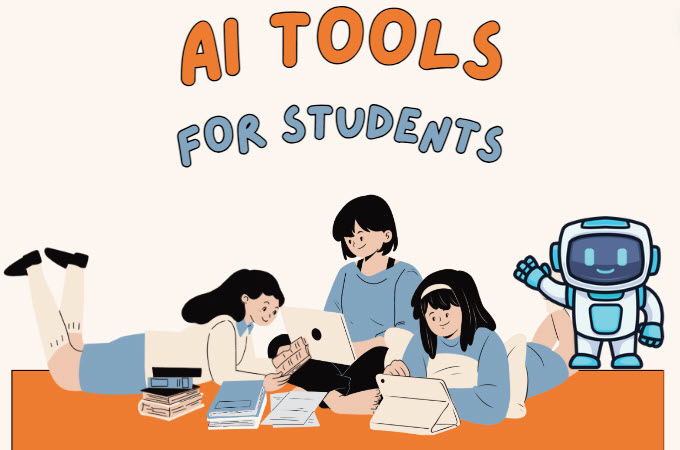
AI tools for students are smart apps and websites that use artificial intelligence to help with learning, writing, research, designing, note-taking, and productivity. They can answer questions, summarize long text, improve grammar, create presentations, and even help you plan your study schedule.
In simple words, these are ai study tools that save time and reduce boring manual work. Students use them for essays, class notes, revision, presentations, coding, project work, and even content creation. Think of them as digital study buddies that do not complain, get tired, or ask for a chai break.
Best AI Tools for Students in 2026
1. ChatGPT
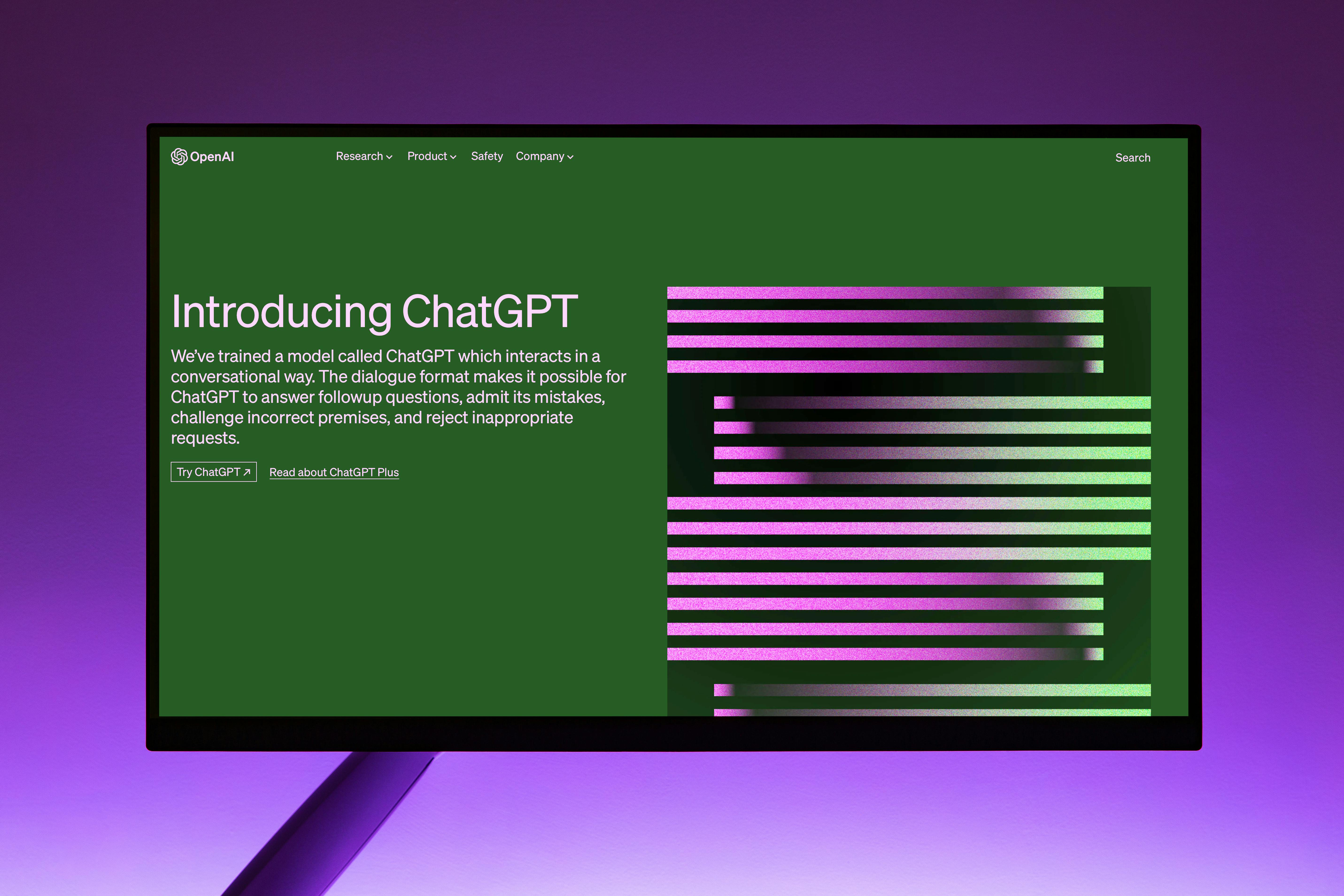 ChatGPT is one of the most popular ai tools for learning because it can explain topics in simple language, help with ideas, solve doubts, and draft content. Students can use it for summaries, practice questions, essay outlines, and exam revision.
It has a free version, while advanced features may need a paid plan. It is useful because it saves time and makes difficult topics easier to understand. For many learners, it is the first stop among ai websites for students.
2. Canva AI

Canva AI, powered by “Magic Studio,” transforms student projects with stunning posters, presentations, resumes, infographics, and social media graphics—all from simple text prompts, no design skills required. Just type “colorful biology poster” or “sleek internship resume,” and it generates layouts, colors, fonts, and images in seconds.
Key features like Magic Design build full slide decks from one idea, Magic Edit lets you swap photos or text effortlessly, and Magic Resize adapts designs for Instagram, LinkedIn, or print instantly. The free plan handles most student workloads, while Pro offers unlimited AI generations and premium templates.
3. Grammarly
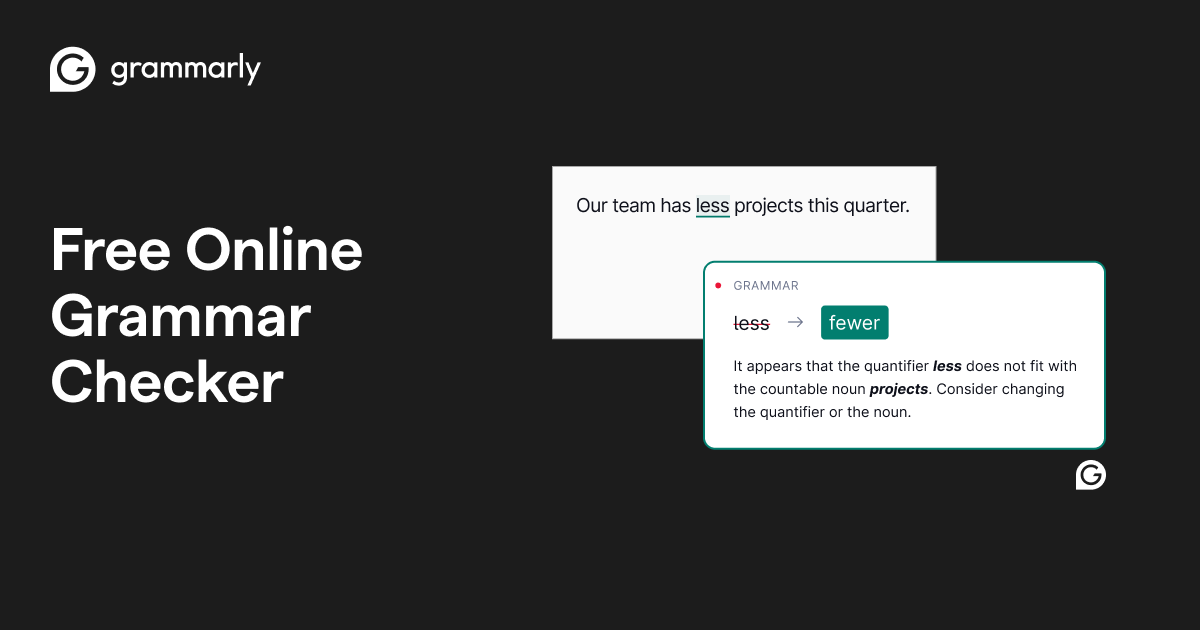
Grammarly improves grammar, spelling, clarity, and tone in writing. Students can use it for assignments, emails, essays, and reports.
It has both free and paid plans. It is useful because it helps students write more clearly and avoid embarrassing grammar mistakes. Among student productivity tools, this one is a classic.
4. Notion AI
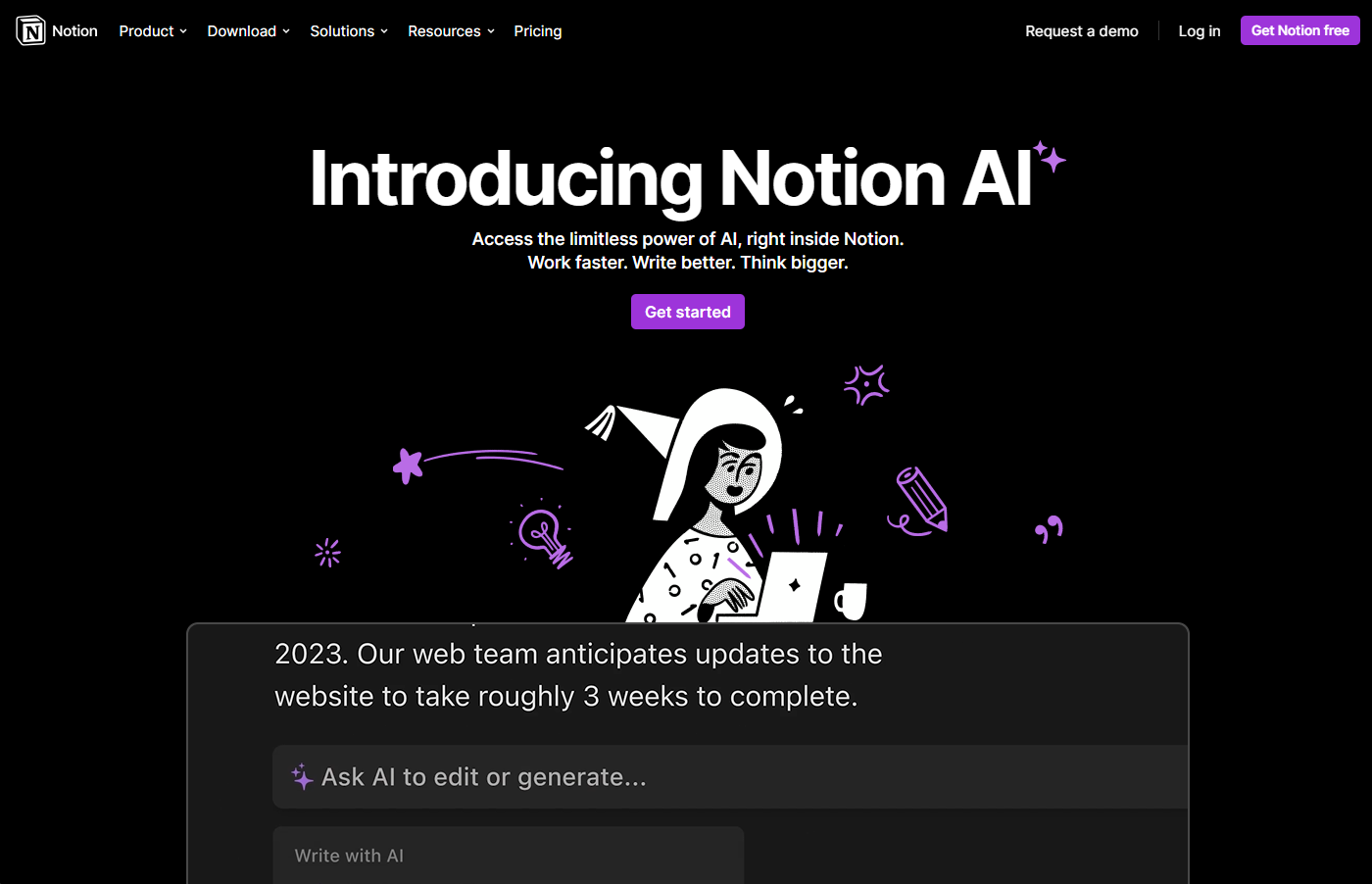
Notion AI helps students organize notes, manage tasks, summarize content, and plan projects. It works well for students who want one place for all their study material.
Notion has a free version, and AI features may depend on the plan. It is useful because it keeps notes, deadlines, and ideas in one clean workspace. It is one of the best productivity tools for students who love structure.
5. Gemini
Gemini is Google’s AI assistant that helps with research, writing, and answering questions. Students can use it to get quick explanations, brainstorm ideas, and explore topics faster.
It offers free access with some premium features on paid plans. It is useful because it works well for everyday study help and fast information lookup. For students already using Google tools, it fits in naturally.
6. Perplexity AI
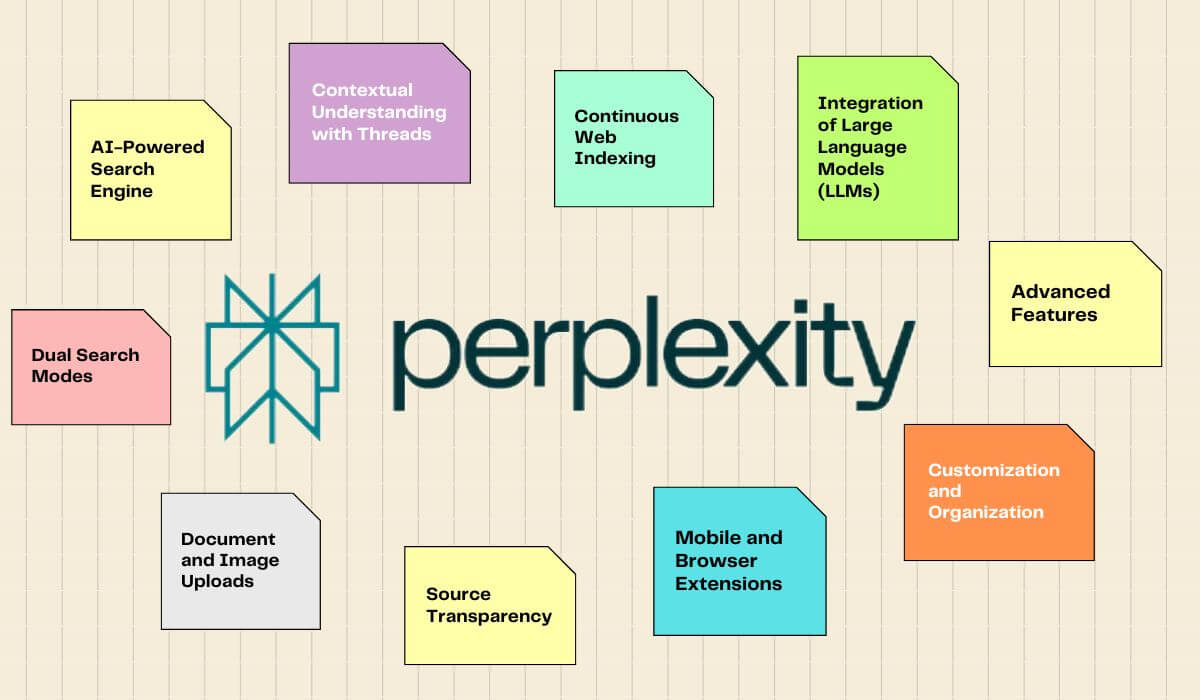
Perplexity AI is great for research because it gives direct answers with source-based results. Students can use it to find reliable information for assignments, projects, and reports.
It has a free plan and paid options. It is useful because it saves time during research and helps students avoid random, questionable internet rabbit holes. That alone is a blessing.
7. QuillBot
QuillBot helps with paraphrasing, grammar checking, summarizing, and improving sentence flow. Students often use it for rewriting notes, improving essays, and making content easier to read.
It offers free and paid plans. It is useful because it makes writing smoother and helps students express ideas better. It is one of the most practical ai tools for students who write a lot.
8. Gamma AI
Gamma AI creates presentations, documents, and web-style slides from simple prompts. Students can use it for class presentations, seminar decks, and project showcases.
It has a free plan with limits and paid options for more usage. It is useful because it makes presentation creation much faster than doing everything manually. That means more time for studying and less time fighting slide layouts.
9. Otter AI
Otter AI records, transcribes, and summarizes lectures or meetings. Students can use it to capture class notes and review important points later.
It has free and paid plans. It is useful because it helps students stay focused in class instead of panicking about missing every other sentence. It is one of the smartest study tools for students.
10. Tome AI
Tome AI helps create presentations and storytelling-style content quickly. Students can use it for project reports, pitch decks, and creative class work.
It offers free access with limits and premium plans. It is useful because it turns rough ideas into polished presentations with less effort. It is especially handy for students who need strong visuals fast.
How AI Tools Save Time
AI tools for students save time in several simple ways. They reduce the effort needed for research, writing, and organizing information. They also make it easier to create notes, revise faster, and prepare presentations.
Here are the biggest time-saving benefits:
Faster research.
Better note-making.
Quick presentation creation.
Improved writing and grammar.
Smarter study planning.
In short, these tools let students spend less time on repetitive work and more time actually learning.
Best Free AI Tools for Students
Many students need free tools because budgets are tighter than exam schedules. The good news is that several free ai tools for students are genuinely useful.
Some of the best free options include:
ChatGPT free plan.
Canva free plan.
Grammarly free version.
Notion free plan.
Perplexity free access.
QuillBot free version.
Otter free plan.
Free tools are valuable because they let students learn, practice, and improve without spending money. They are a smart starting point before upgrading to paid features.
Can Students Use AI to Make Money?
.webp)
Yes, students can use AI tools to make money in simple and practical ways. Many learners use them for freelancing, content creation, designing, writing, and social media management.
For example, a student can use Canva AI for graphics, ChatGPT for blog drafts, Grammarly for polishing content, and Notion AI for client organization. These skills can open doors to part-time work, freelancing gigs, and online income. That makes ai tools for college students useful beyond the classroom too.
Mistakes to Avoid
Students should avoid common mistakes while using AI tools. These mistakes can hurt learning and even create academic problems.
Copy-pasting assignments blindly.
Depending too much on AI.
Sharing private or sensitive data.
Ignoring creativity and original thinking.
AI should support your learning, not replace your brain. Your brain still has to show up to the class.
Smart Ways to Use AI
Use ai tools for learning, not cheating. Always verify facts before submitting any assignment, especially for research-based work. Combine AI suggestions with your own ideas so your work still feels personal and original.
It also helps to learn basic prompting. The better your question, the better the answer. A clear prompt can turn a vague tool into a powerful study helper.
FAQ’s
1. What are the best ai tools for students in 2026?
The best options include ChatGPT, Canva AI, Grammarly, Notion AI, Gemini, Perplexity AI, QuillBot, Gamma AI, Otter AI, and Tome AI.
2. Which are the best free ai tools for students?
Popular free tools include ChatGPT, Canva, Grammarly, Notion, Perplexity, QuillBot, and Otter AI.
3. Are ai tools for students safe to use?
Yes, if students avoid sharing private data and always check information before using it in assignments.
4. Can ChatGPT help students study better?
Yes, ChatGPT for students is useful for explanations, summaries, brainstorming, and practice questions.
5. Can students use AI tools for college projects?
Yes, ai tools for college students are great for research, writing, slides, notes, and project planning.